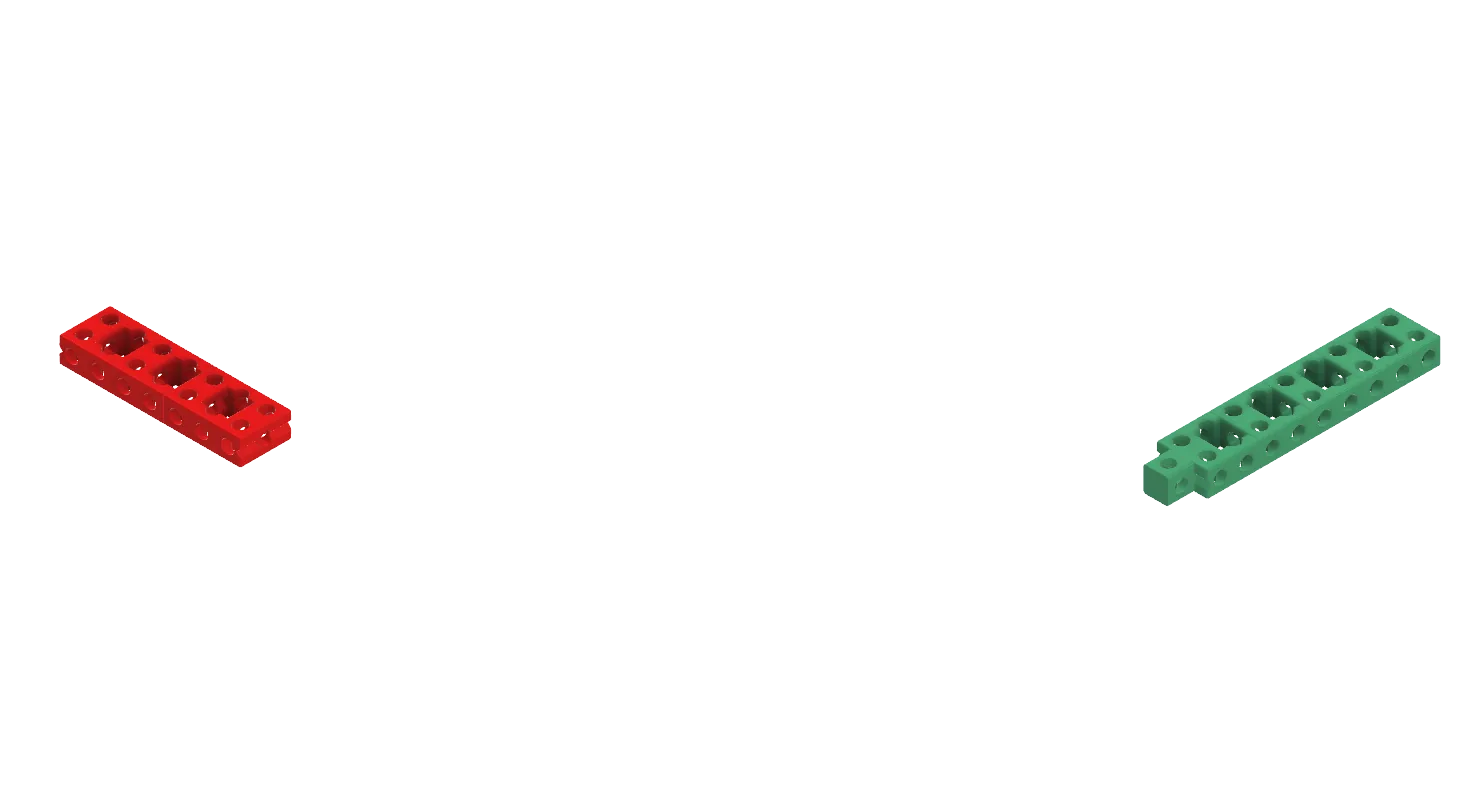

Print Settings
General Print Parameters:
These are the parameters that would be used on any 3D printer.
Material Type: PLA
Supports: Disabled
Raft: Enabled
Layer Height: 0.20mm
Fill Density: 5%
Print Speed: 80mm/s
Temperature: 200°C
Printer Specific Instructions:
Each line links to instructions for specific 3D printers.
Flashforge Finder
FlashForge Finder Print Instructions:
By clicking on this link, it should start downloading a file to your Downloads folder. Once the file is downloaded, open it with FlashPrint.
If you do not have the FlashPrint application, you can download it here. Make sure to download version 4.3.1.
A box should show up asking if you want the model to be on the platform, click "Yes". Then it should ask you if you want to repair the errors on the file, click "Ignore". This should get the model centered on the platform. Once you have done that, click the blue "Print" button at the top of your screen. Make sure to use these settings:
Material Type: PLA
Supports: Disable
Raft: Enable
Resolution: Standard
Leave "Wall" and "Brim" unchecked
Click "More Options >>" at the bottom if there is nothing below it
Under the "Layer Height" tab:
Layer Height: 0.20mm
First Layer Height: 0.20mm
Leave the "Shells" tab the way it is
Under the "Infill" tab:
Fill Density: 5%
Fill Pattern: Hexagon
Combine Infill: Every 2 Layers
Under the "Speed" tab:
Print Speed: 80mm/s
Travel Speed: 80mm/s
Under the "Temperature" tab:
Extruder: 200°C
Once you have those settings selected, click "OK" at the bottom of the box, and then save it in a location that you will be able to remember later on. Once that is done it should show the estimated print time and the amount of filament it should take.